



Help & Support
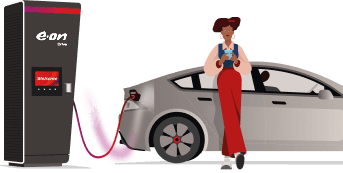
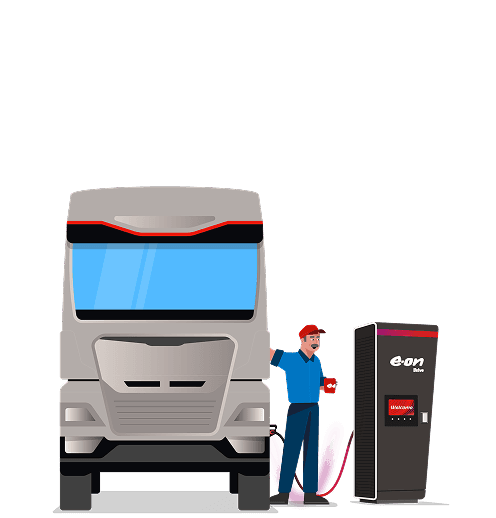
How to Start an EV Charging Session
See how we're making the first step of charging effortless — just plug in and go.
Instructions
Select payment method
Before plugging in select your payment method on the screen. Follow the on screen instructions.
Follow app instructions
If you're using an app or QR code to start charging follow the instructions on your phone's screen.
Connect your vehicle
When prompted connect your vehicle. Charging will begin shortly.
Select payment method
Before plugging in select your payment method on the screen. Follow the on screen instructions.
Follow app instructions
If you're using an app or QR code to start charging follow the instructions on your phone's screen.
Connect your vehicle
When prompted connect your vehicle. Charging will begin shortly.
Need help getting started?
These short videos guide you through each charging method — via app, contactless payment, or RFID card.
Frequently Asked Questions
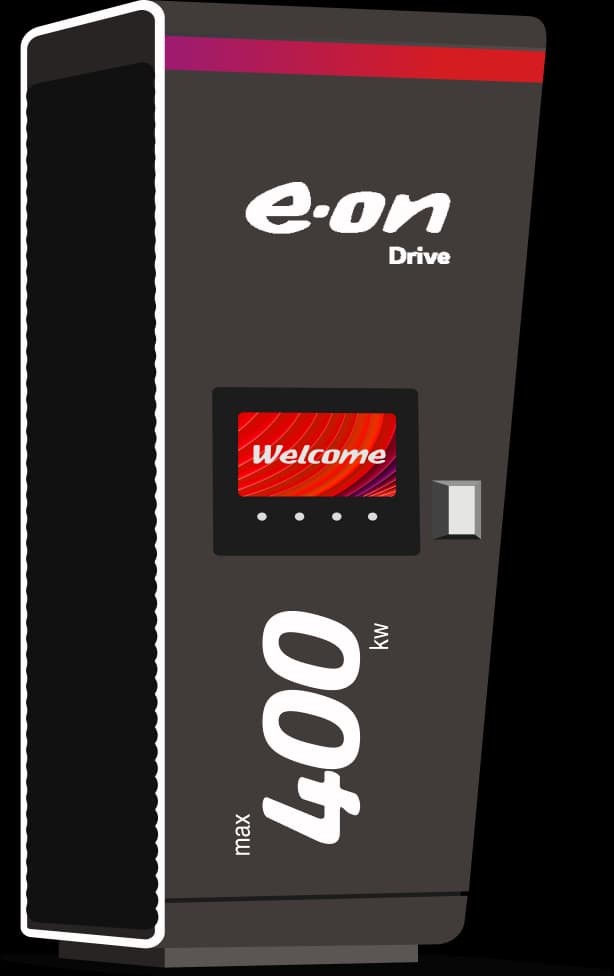
Do I need to be an E.ON Drive electricity customer to use your stations?
No, everyone is welcome at our charging stations. We accept the charging cards of most major European e-mobility providers. Furthermore, our FC chargers (> 50 kW) allow you to pay by debit or credit card - no registration or contract needed.
Why does the charger display 'Not authorised' when I scan my RFID card?
This message usually means that your RFID card is either not supported at this charging station or that there’s an issue with the card itself. Please contact your RFID card provider for further assistance.
Alternatively, you can pay ad hoc by debit or credit card at all of our FC charging stations (> 50 kW).
How do I know which connector am I using?
Just above the socket we show a unique code. It usually starts with GB*UFC. This will be shown on the app you’re using and the charger's display.
What should I do if the app says the charger is already in use?
Sometimes the app won't let you start if you've already plugged your cable in. Its always best to follow the instructions on the app and plug in when prompted to do so. Try unplugging and start your charging session via the app before plugging in again.
Why can’t I see E.ON Drive charging stations in the E.ON Drive app?
The E.ON Drive app is designed for home customers and does not display public charging stations. To find and use E.ON Drive public chargers, please download the E.ON Drive Comfort app.
Do I need an app or account to use E.ON Drive charging stations?
No app or registration is required to use our public charging stations.

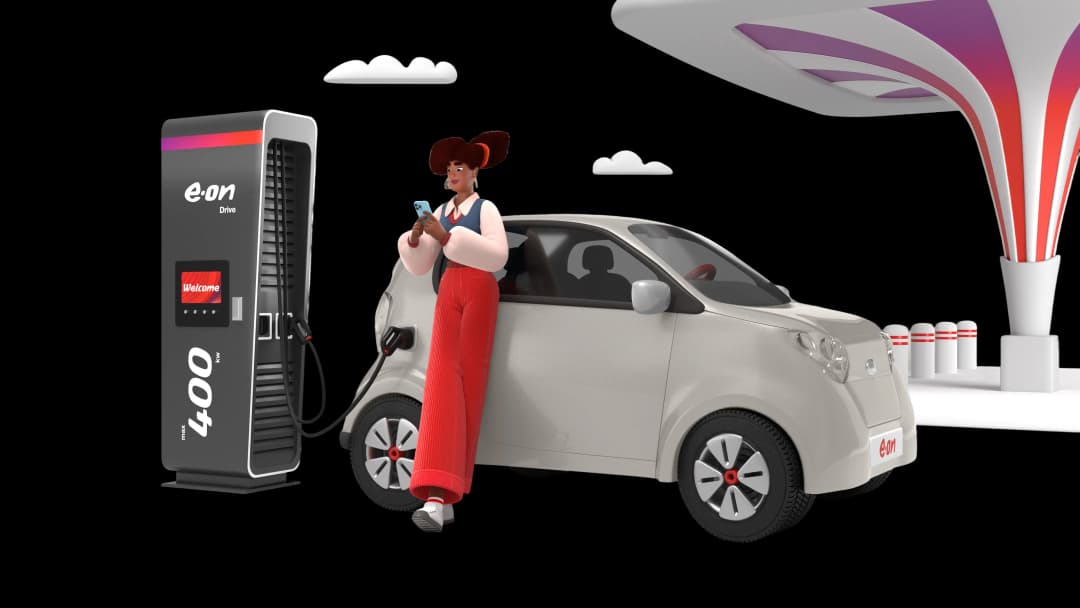
Got more questions?
From partnering with us to everything you want to know — our FAQ has you covered.