



Help & Support
How to Start an EV Charging Session
See how we're making the first step of charging effortless — just plug in and go.
Instructions
Select payment method
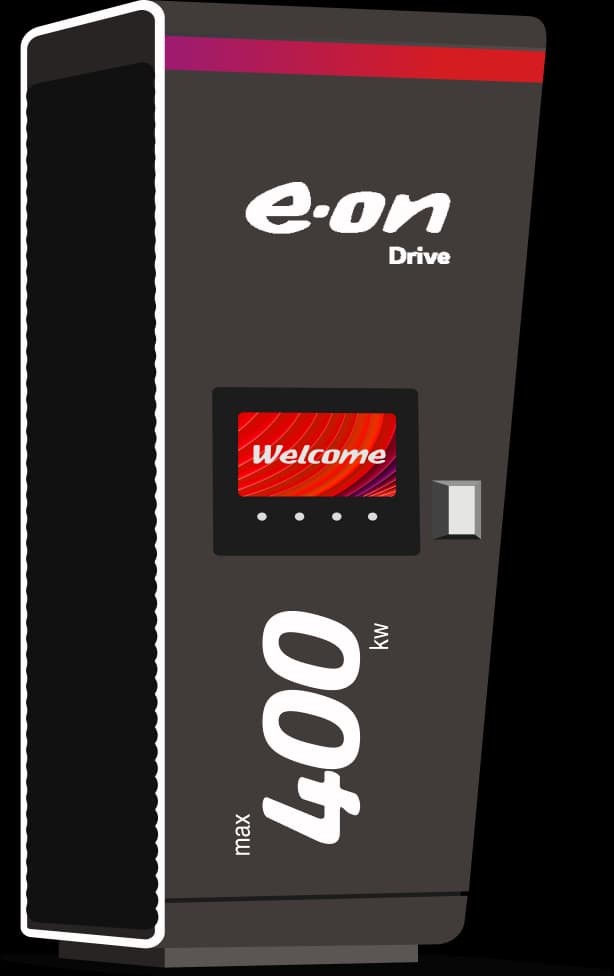
Before plugging in select your payment method on the screen. Follow the on screen instructions.
Follow app instructions
If you're using an app or QR code to start charging follow the instructions on your phone's screen.
Connect your vehicle
When prompted connect your vehicle. Charging will begin shortly.
Select payment method
Before plugging in select your payment method on the screen. Follow the on screen instructions.
Follow app instructions
If you're using an app or QR code to start charging follow the instructions on your phone's screen.
Connect your vehicle
When prompted connect your vehicle. Charging will begin shortly.
Need help getting started?
These short videos guide you through each charging method — via app, contactless payment, or RFID card.
Frequently Asked Questions
Do I need to be an Essent or E.ON customer to use your charging stations?
No, everyone is welcome at our charging stations. You can charge with any major European charge card or app through roaming, or pay directly with a contactless credit or debit card, without a subscription. If you hold an Essent charge card or app, you benefit from the introductory discount of 10 cents per kWh. See our roaming partners here.
How do I know which connector am I using?
Just above the socket we show a unique code. It usually starts with NL*UFC. This will be shown on the app you’re using and the charger's display.
What should I do if the app says the charger is already in use?
Sometimes the app won't let you start if you've already plugged your cable in. Its always best to follow the instructions on the app and plug in when prompted to do so. Try unplugging and start your charging session via the app before plugging in again.
Do I need an app or account to use your charging stations?
No, no app or registration is required to use our public charging stations. With an Essent charge card or app, you do benefit from the introductory discount of 10 cents per kWh.

Got more questions?
From partnering with us to everything you want to know — our FAQ has you covered.
Prefer to talk? Call our hotline 24/7:+31 88 400 6010