


E.ON Drive Public App
Download the app and get access to thousands of charging stations in Sweden and Europe.

Get started, quick and easy
Get started in minutes. Download the app, create a profile and choose the solution that suits you, pay-as-you-go or subscription. You also order a charging tag in our app.
See prices further down the page.
Charging solutions for private users
Charge with us with or without a subscription. With an E.ON Drive Public subscription you get access to thousands of charging stations in Sweden at a reduced price.
Premium
SUBSCRIPTION
Includes 50 kWh/month
Current charging prices:
at AC charging points (up to 22 kW)
at fast and ultra-fast chargers (DC) from 50 kW and up
(+ usage-based billing) *Campaign until 31 Dec 2026, regular price 249 kr/month **The charging price may change over time
Plus
SUBSCRIPTION
Includes 20 kWh/month
Current charging prices:
at AC chargers up to 22 kW
at fast and ultra-fast chargers (DC) from 50 kW and up
(+ usage-based billing) *Campaign until 31 Dec 2026, regular price 249 kr/month **The charging price may change over time
Member
NO SUBSCRIPTION
Lower price when you charge with the E.ON Drive Public app
Current charging prices:
at AC chargers up to 22 kW
at fast and ultra-fast chargers (DC) from 50 kW and up
*Campaign until 31 Dec 2026 **The charging price may change over time
How to get started
Download the E.ON Drive Public app for iOS or Android
Available on Google Play and the Apple App Store.
Create a user profile
Sign up with your email address and choose a password.
Add your payment method
Add a credit card or another payment method to your profile.
The app automatically shows nearby charging stations, including roaming partners
Use the map to browse available charging stations.
Start charging by selecting the station in the app
Tap start to begin your charging session.
View your charging history and receipts directly in the app
All sessions and invoices are saved in your profile.
Get access to charging stations across Sweden and Europe
Charge at thousands of stations through our roaming network.
Download the E.ON Drive Public app
The app gives you access to the entire E.ON Drive charging network, both in Sweden and abroad.




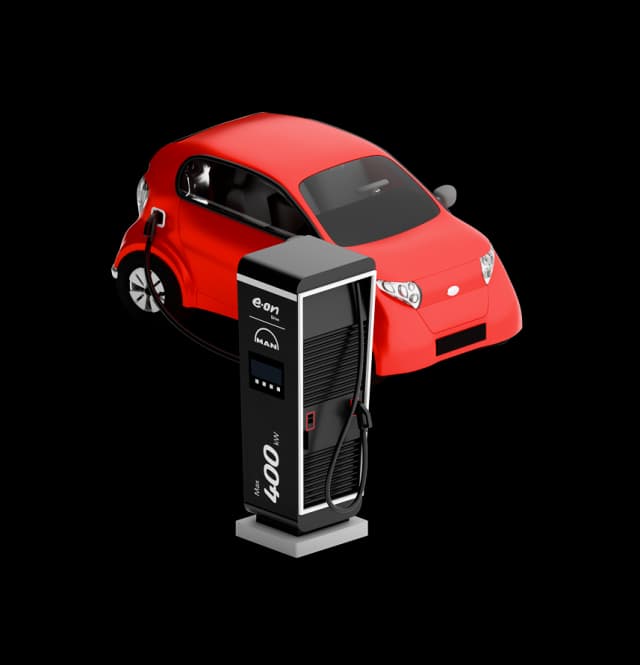
3 ways to charge
Credit or debit card
Pay directly at the charger with your credit or debit card, no app needed.
E.ON Drive app
Use the E.ON Drive Public app to start, stop and pay for charging.
Charging tag (RFID)
Hold your RFID tag against the charger to start charging, simple and fast. Order an E.ON Drive charging tag in the app.
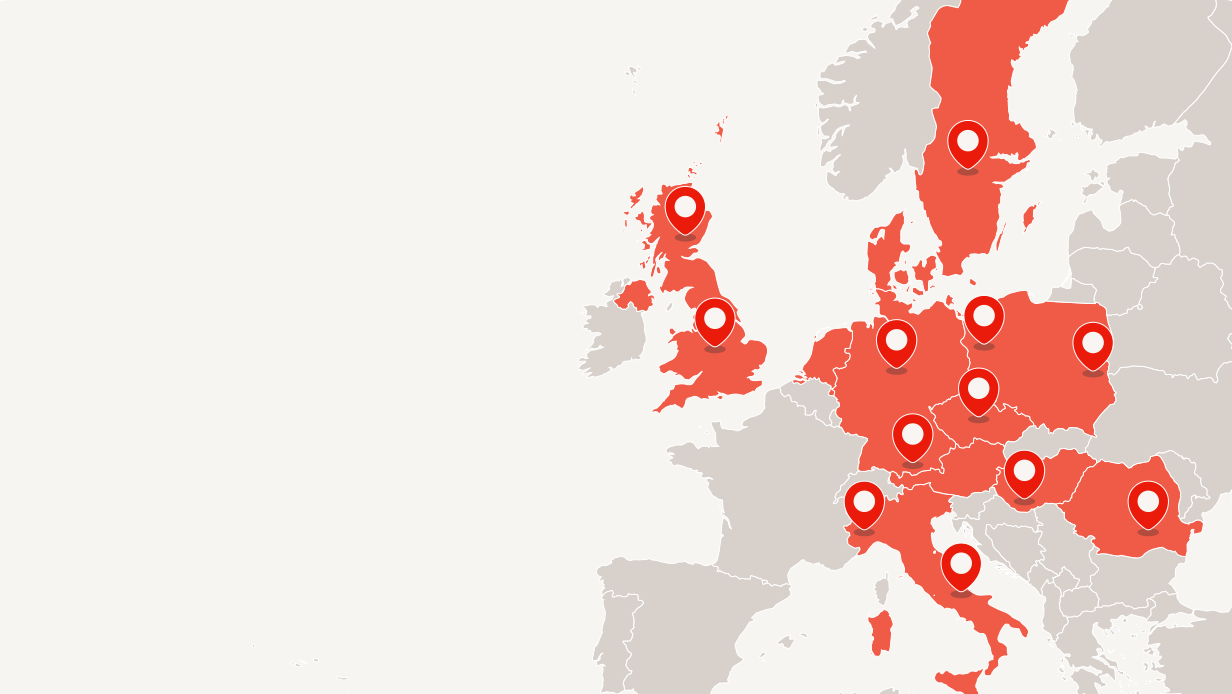
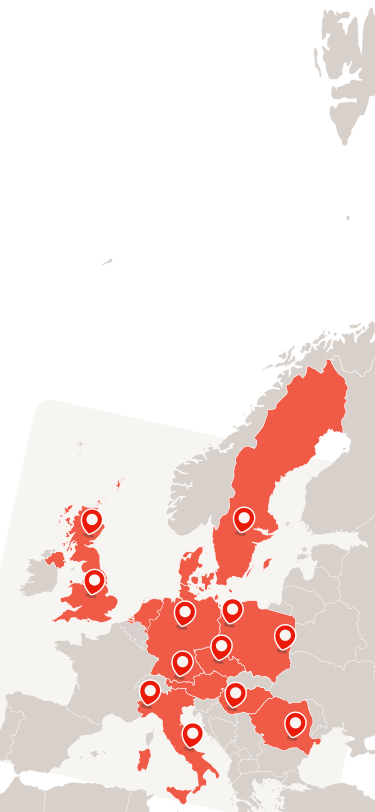
Find your next E.ON Drive charging point
Find your stationFind your next E.ON Drive charging point

Easy charging, right in your hand
The app makes it easy to find, start and pay for charging at the public charging stations of E.ON Drive Infrastructure.
Map overview
See all chargers as clusters and zoom in for details.
Nearest charger
Find address, connector type, charging power and availability with one click.
Start charging in the app
Select a charging station and tap Start charging.
Clear price display
See the price per kilowatt-hour before you start.
Navigation and favourites
Start route guidance and save your favourite chargers.
History
Your charging history and receipts are saved in the app.
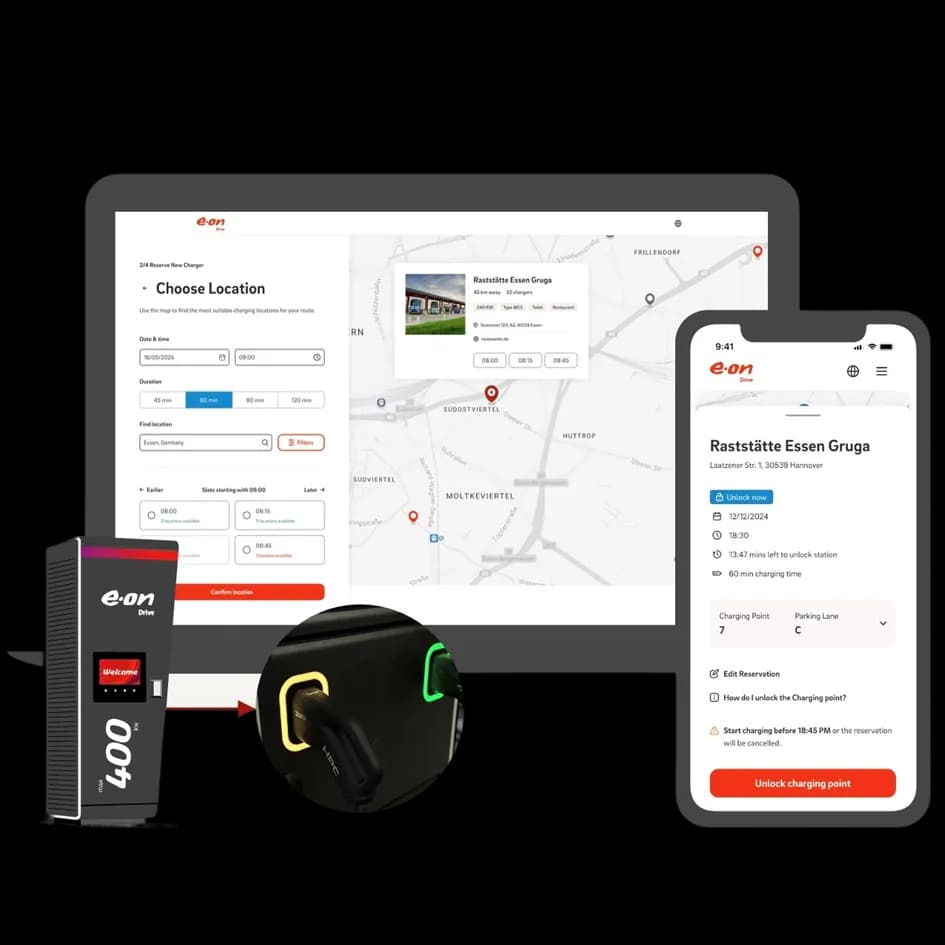
Easy charging, right in your hand
The app makes it easy to find, start and pay for charging at the public charging stations of E.ON Drive Infrastructure.
Map overview
See all chargers as clusters and zoom in for details.
Nearest charger
Find address, connector type, charging power and availability with one click.
Start charging in the app
Select a charging station and tap Start charging.
Clear price display
See the price per kilowatt-hour before you start.
Navigation and favourites
Start route guidance and save your favourite chargers.
History
Your charging history and receipts are saved in the app.
Frequently asked questions
How do I create a new account?
Create a new account directly in the E.ON Drive Public app.
- Download and open the E.ON Drive Public app.
- Select Create Account.
- Enter your name, email address and password.
- Verify your email address if requested.
- Sign in and complete your account setup.
Please note: A payment card is required before you can start charging from the app.
Where can I download the app?
You can download the E.ON Drive Public app from the Google Play Store or the Apple App Store.
It is the same app we use in our other markets, so there is no separate Swedish version to look for.
I can't log in to the new app.
Reset your password by selecting Forgot Password on the login screen. If you do not receive a password reset email, check your spam or junk mail folder. If the issue continues, make sure you are using the email address you registered when you created your account in the E.ON Drive Public app.
Can I use my old E.ON Drive Sweden login?
No. Existing E.ON Drive Sweden accounts are not transferred. You must create a new account for the new platform in the E.ON Drive Public app.
Please note: Use the email address you want connected to your new account.
Why do I need the E.ON Drive Public app instead of the old E.ON Drive app?
The old E.ON Drive app closes on 31 December 2026. Charging at our public charging stations is handled in the new E.ON Drive Public app from EDRI Sweden AB. You create a new account in the app and add your payment card there.
Please note: Your account, payment card and charging history are not transferred from the old app. If you have a balance left, you can use it in the old app until it closes. Any remaining balance is then refunded by E.ON Drive AB from 1 January 2027.
Download the E.ON Drive Public app
Start charging today. Download the app and get access to the entire E.ON Drive charging network.